Audible on Alexa and Echo devices
Your Audible library plays on a speaker with no phone involved, provided one condition is met — and that condition is where almost every problem starts.
Advertising disclosure · we are paid for this
New customers only. 30 days free, then it renews automatically at the monthly rate shown at signup unless you cancel first. Terms verified 17 September 2026.
#ad · The link goes straight to Audible's own free-trial signup page, and we are paid a flat fee if you start a qualifying trial there. It costs you nothing extra and it does not change what we conclude on this page. Full disclosure.
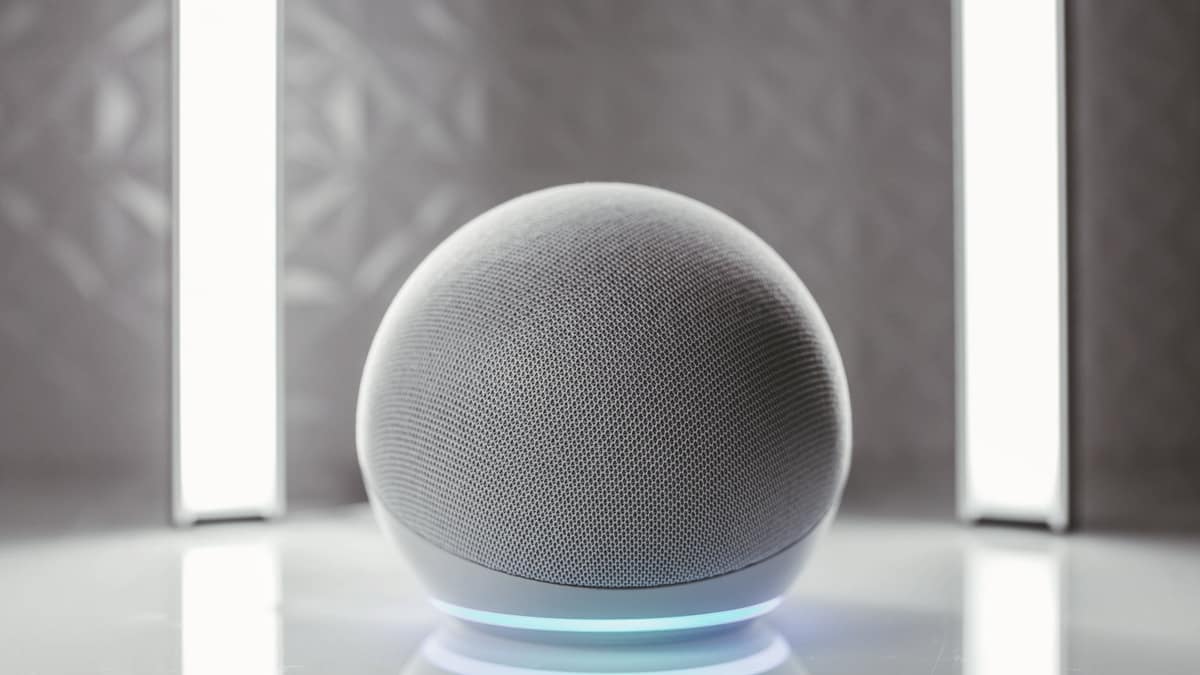
An Echo is one of the better places to listen to an audiobook, because it removes the phone from the process entirely — no screen, no notifications, no battery. Audible's own help page confirms the basics: “You can use Audible with any Alexa-enabled device as well as in the Audible app for both iOS and Android.” The condition attached to it is the part worth reading twice.
The account condition
Audible states it in a note rather than in the headline, which is probably why so many people hit it: “To listen to your Audible titles, both Audible and the Alexa-enable devices have to be connected to the same Amazon account (email).”
In practice that means one thing above all: if you have an old Audible login that predates the Amazon account you actually use, your library lives somewhere your speaker cannot see. Check which email each is on before troubleshooting anything else, because no voice command fixes a mismatched account.
The commands that actually work
Audible publishes the list, and the useful ones are short. Its own note is worth quoting because it explains why so many attempts fail: “Because Alexa has access to a wide range of content, from music to TV shows, it helps to mention ‘Audible’ and whether it's an audiobook or podcast when asking Alexa to play a title. That helps Alexa limit the title search to content in your Audible Library.”
| To do this | Say this |
|---|---|
| Resume the last book | “Alexa, read my book.” |
| Play a specific title | “Alexa, read [title] from Audible.” |
| Skip back or forward | “Alexa, go back.” (rewinds 30 seconds) · “Alexa, go forward [2 minutes].” |
| Move by chapter | “Alexa, next chapter.” · “Alexa, go to chapter number [7].” |
| Set a sleep timer | “Alexa, stop reading in [12 minutes].” |
| See what you have | “Alexa, what's in my Audible library?” |
| Switch to another library | “Alexa, switch profiles.” |
| Play a podcast from Audible | “Alexa, play podcast [name] from Audible.” |
| Buy an audiobook (spends a credit) | “Alexa, buy [book name].” |
The sleep timer has a sequencing quirk Audible flags directly: you have to ask Alexa to read the book first, and only then set the timer. For anyone using audiobooks to get to sleep, that is the single most useful command on the list — audiobooks for sleep covers the rest of that setup.
What Alexa cannot do
Audible lists four exceptions plainly: Alexa supports all Audible features except clips and bookmarks, rating and reviews, the listening log, and marking a title as finished.
None of those stop you listening, but they do shape how you use it. If you are the kind of listener who bookmarks passages, the speaker is for consumption and the app is for anything you want to keep. Your position syncs between them, so switching mid-book is not a problem — where you can actually listen covers the device picture more broadly.
Podcasts and Audible Originals
Audible's command list covers spoken-word content beyond audiobooks too: “Alexa, play podcast [name] from Audible” plays a podcast from your Audible library, with the note that this particular command “isn't available in the Audible app for iOS”. What that content actually is, and whether it justifies anything on its own, is on Audible Originals and podcasts.
Several people, one speaker
Audible lists “Alexa, switch profiles” for reaching another library, and notes it is available “if you have more than one profile set up through Amazon Family”. That is the mechanism a household uses to keep two people's books apart on one device.
It is worth understanding the limits of that before assuming it solves shared listening, because profile switching and library sharing are different things. Audible family sharing sets out what can genuinely be shared and what cannot.
Alexa inside the Audible app
The same voice control works in the phone app, with conditions that are easy to miss. Audible states that Alexa works in the Audible app for iOS and Android, but that the microphone must be enabled and the app has to remain open — it will not respond when the screen is locked or while you are using another app.
That is the practical difference between the two places you can use this. On a phone, voice control is a convenience that stops working the moment the phone goes in your pocket. On an Echo it is the whole interface, always listening, with no screen involved. If hands-free is the reason you want this at all, the speaker is the version that delivers it.
Every other way to get a book playing on an Echo
Audible is the route this page can document with a source, but it is not the only spoken-word content an Echo will play. The honest map, with the gaps marked as gaps:
- Audible titles. Everything above. Documented on Audible's own help page and re-read on 3 September 2026.
- An Amazon Music audiobook. Amazon Music Unlimited includes audiobook listening as part of that separate subscription, which plays on the same speakers. What it does and does not include is on Audible versus Amazon Music Unlimited.
- Kindle books read aloud. Amazon offers a Kindle read-aloud feature on Alexa devices. Every Amazon help page describing it refused our request on 3 September 2026, so we are not publishing its commands or its limitations as though we had read them — see the note below.
- Narrated Kindle Unlimited titles. Some Kindle Unlimited books include narration, marked with a headset icon. That is a feature of the ebook rather than an audiobook membership, and it is the most misunderstood thing in this category — audiobooks on Kindle Unlimited sets out what it actually is.
- Anything else, over Bluetooth. An Echo will act as a Bluetooth speaker for your phone, which means library audiobooks through Libby or any other app can play through it. You lose the voice commands and you keep the speaker. For a habit built around free library borrowing, that is often enough — where to listen: audiobook apps compared.
When Alexa cannot find your book
Nearly every failure is one of five things, in this order. Work down the list rather than around it — the first item is the cause far more often than the other four combined.
- The accounts do not match. Audible's stated condition is that Audible and the Alexa device must be on the same Amazon account email. An old standalone Audible login is the classic version of this, and no command fixes it.
- You did not say “from Audible”. Audible asks you to name the service and the content type precisely because Alexa is otherwise searching music, video and podcasts at the same time. “Alexa, read [title] from Audible” searches your library; the same sentence without those two words often does not.
- The title is not in your library yet. Catalog listening still requires the title to be added to your library first. Alexa plays what is in the library, not the whole store.
- You are on the wrong profile. In a household with Amazon Family profiles, the speaker answers for whichever profile is active. “Alexa, switch profiles” is the fix.
- You asked for the timer before the book. Not a search failure, but the most common command that appears broken. Audible flags that you have to start the book first and only then say “Alexa, stop reading in [12 minutes]”.
Audible Premium Plus terms verified 17 September 2026 against Audible's own membership pricing block.
Advertising disclosure · we are paid for this
We get a flat fee if you start a qualifying trial through this link. It costs you nothing extra, it does not change what we conclude on this page, and the full disclosure is here.
If the speaker is where you would actually listen
Hands-free listening in a kitchen or a workshop is one of the habits that turns an intention into real hours, which is the only thing that makes a membership worth its fee. The terms, and the date we last checked them, are on our Audible free trial page.
New customers only. 30 days free, then it renews automatically at the monthly rate shown at signup unless you cancel first. Terms verified 17 September 2026.
#ad · The button goes straight to Audible's own free-trial signup page. The offer you see there is whatever Audible is running at the moment you click, which is why we send you to look rather than printing a number that could be out of date. What we checked, and when, is on how we research.
Common questions
Can Alexa play Audible books?
What do I say to make Alexa read my book?
Can Alexa set a sleep timer for an audiobook?
What can't Alexa do with Audible?
Why can't Alexa find my Audible books?
Can two people in a house listen to different books?
Can you buy an audiobook with your voice?
Does Alexa work inside the Audible app itself?
Can Alexa read a Kindle book aloud?
Do you need an Audible membership to listen on an Echo?
Sources
Everything on this page that states a program term was checked against these pages on the review date above.
Advertising disclosure · we are paid for this
Ready to start a free Audible trial?
New customers only. 30 days free, then it renews automatically at the monthly rate shown at signup unless you cancel first. Terms verified 17 September 2026.
#ad · The link goes straight to Audible's own free-trial signup page, and we are paid a flat fee if you start a qualifying trial there. It costs you nothing extra and it does not change what we conclude on this page. Full disclosure.
Back to everything on Audible.